
Tech Help — Designjet 500 800 Technical Help
Designjet 500 Rejecting Print Head
Posted by Bob Wert on
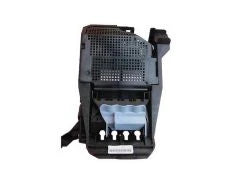
"We just installed the printheads. Thanks so much for sending them out yesterday. However, the machine flashes the exclamation mark on the yellow printhead saying that it is worn out (on the new printhead). All of the other ones have their status as "inserted". Since acquiring the printer, we replaced the belt, the interconnect cable, the ink tube system, and the ink supply station. The printer finally prints, but the patterns come out like this (attached) and the machine says it failed to align the printheads. When the carriage moves, it seems as though there is a slight lag between...
How to reset E-mod to correct model and serial number
Posted by Bob Wert on
How to reset E-mod to correct model and serial number: (Solution for Errors 1:10 & 1:12) Power up while pressing UP and ENTER (service mode) Choose SERVICE UTILITIES Choose EEROM SETUP Enter serial #, model # and font type Switch power off and back on Perform paper advance calibration
Designjet 510 Frequent Reload Media Message (applies to Designjet 500, Designjet 800)
Posted by Bob Wert on
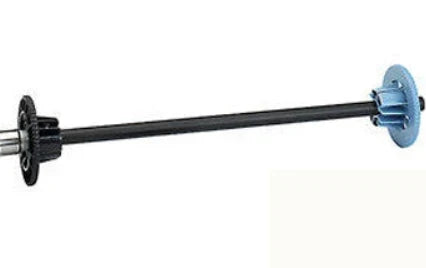
"I have a Designjet 510 that constantly tells you to reload the paper roll. Sometimes it will plot one or two plots sometimes more without reloading the roll, but usually after it gets done and cut the paper is says to load paper again. I have replaced the media sensor and carriage assembly, and it still has the reload paper error often. When trying to calibrate after replacing the black print head it keep saying to load paper and would not calibrate. Have you seen this problem on the 510 before? Any help would be greatly appreciated! Thank you for...
Designjet 500, 800 Rail Lubrication
Posted by Bob Wert on
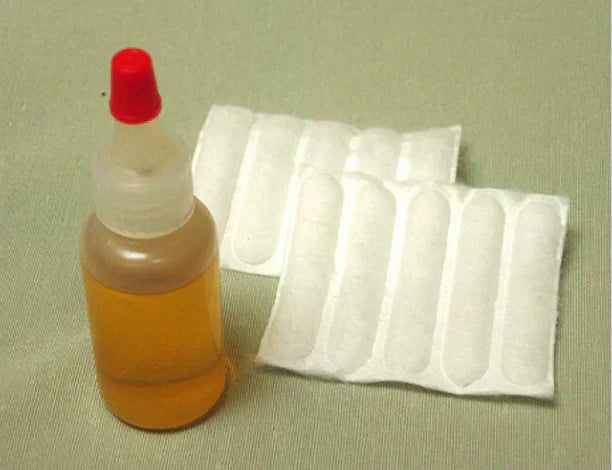
"HP Designjet 800 ps oil question Hello, Thank you for your excellent video. We completed installation of the replacement belt without issue or complication thanks to your thoroughness and great explanation of the process. We were unsure where the non-evaporating oil comes into play in the process. I saw no mention of this in the video, written instructions, or cd material. Please advise. Thanks again! Anders Kirleis Engineering Designs For Vision, Inc." The oil is to be applied using one of the cotton pads provided. Generously wet down a pad, and wipe the carriage rail down. This will leave the...
Designjet 500 800 Belt Jumping Teeth
Posted by Bob Wert on
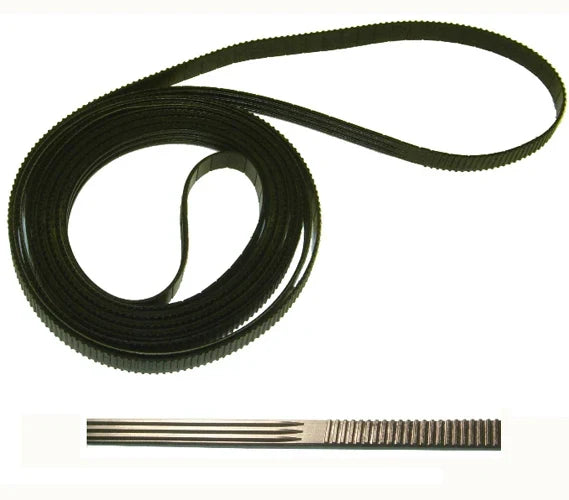
"I just replaced the belt in my 500. The belt is jumping teeth on the gear of the plotter causing streaks in the solid colors. Belt is installed correctly, but the spacing of the teeth seems to be off. I want to find out what can be done about the belt." If the belt is slipping on the motor pulley, it is because the belt tensioner is clipped down in the service position or the motor pulley still has debris in the teeth from the old belt. The fix is to remove the right end cover and use a small...