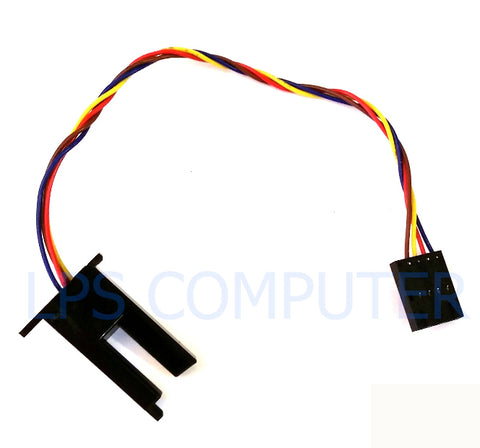
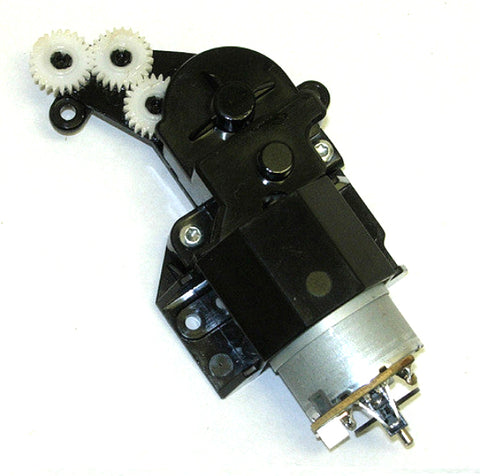
Trusted Replacement Parts for the HP DesignJet Z5600 and Z2600
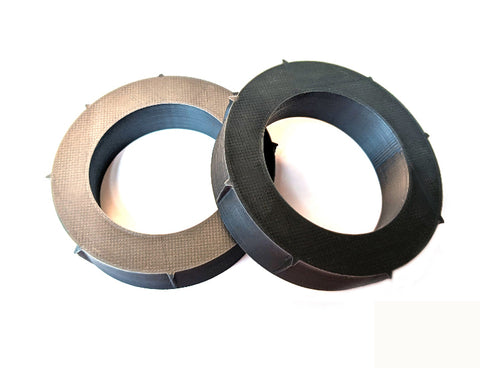
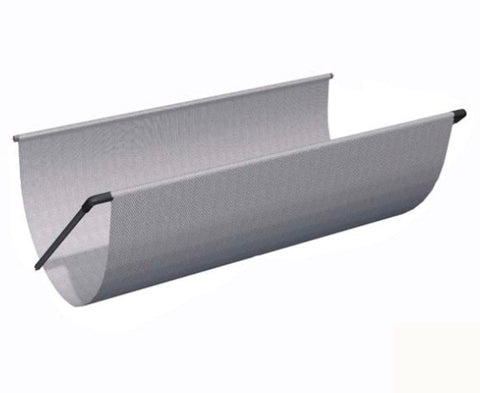
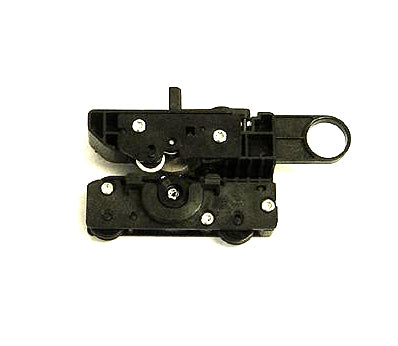
The HP DesignJet Z5600 (44") and HP DesignJet Z2600 (24") are workhorse PostScript plotters built for graphics professionals, CAD shops, and production print environments. When critical components wear out, downtime gets expensive—fast. Our hand-picked inventory of OEM-grade and remanufactured parts is curated by certified DesignJet repair experts to deliver long-lasting performance and guaranteed compatibility.
Common HP DesignJet Z2600 and Z5600 repair parts we stock include:
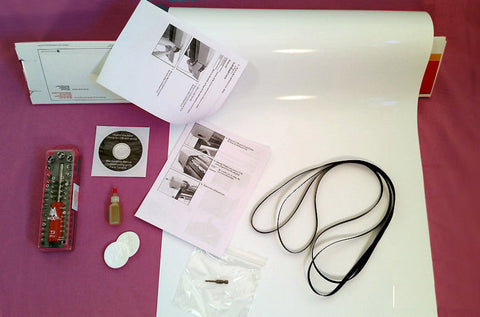
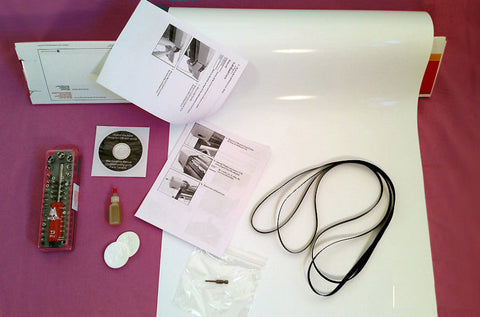
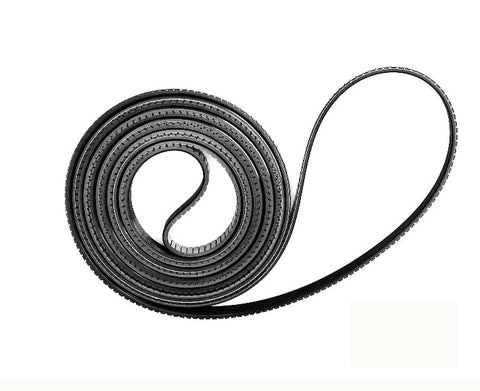
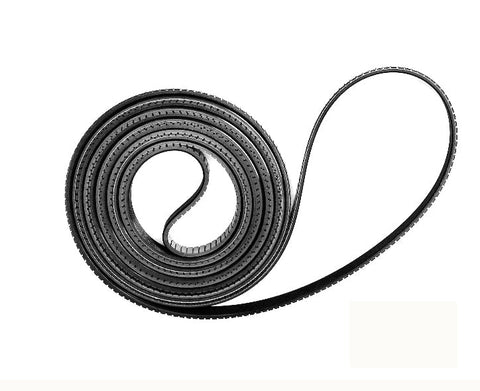
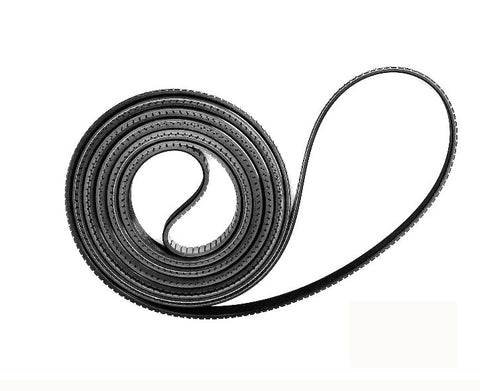
- Carriage belts and belt kits (24" and 44")
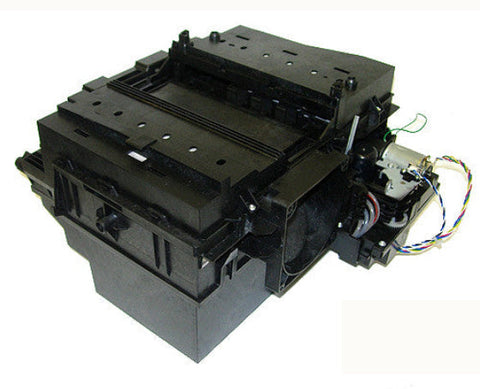
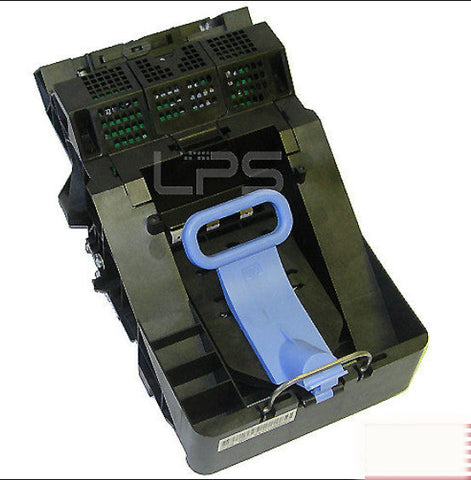
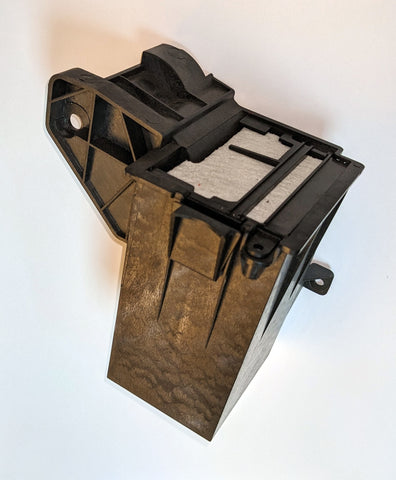
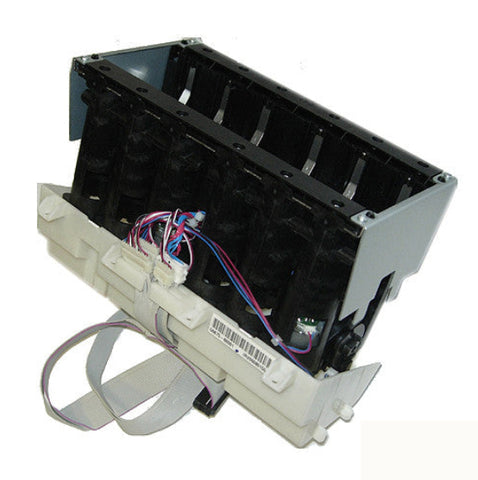
- Service stations and ink supply stations
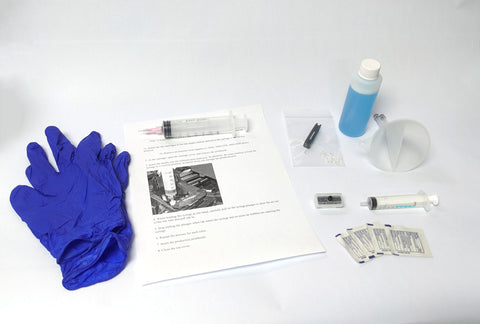
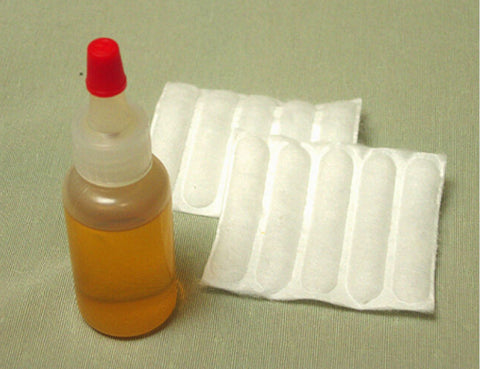
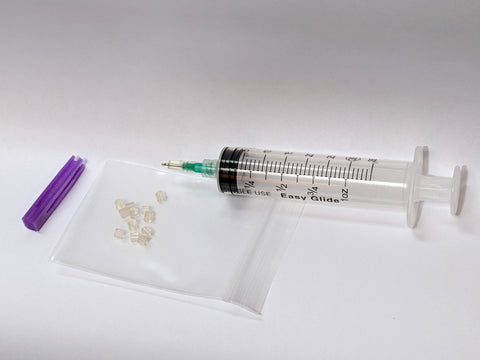
- Printheads, printhead seals, and recovery kits
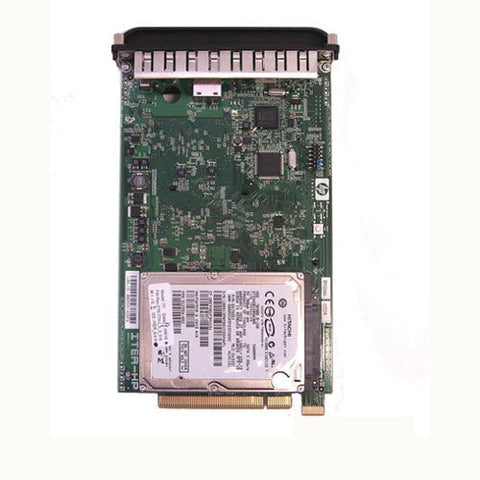
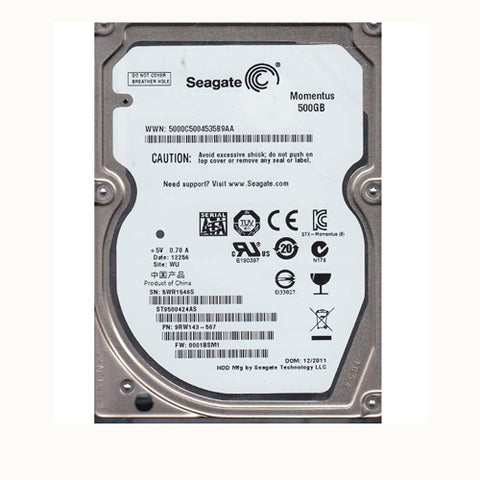
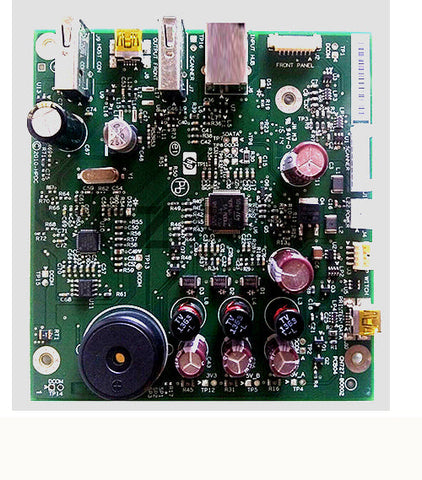
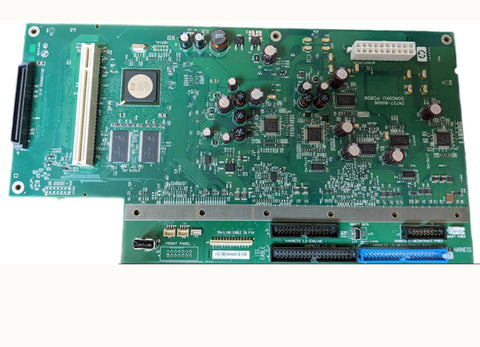
- Formatters, hard disk drives, and main board PCAs
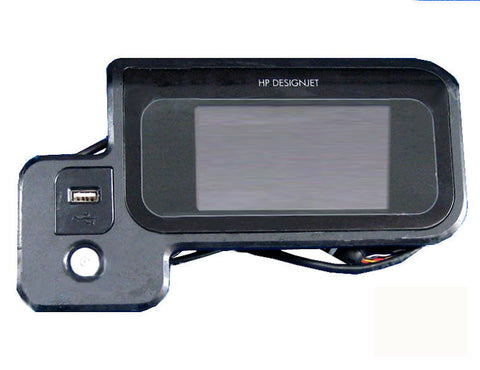
- Touch screen control panels
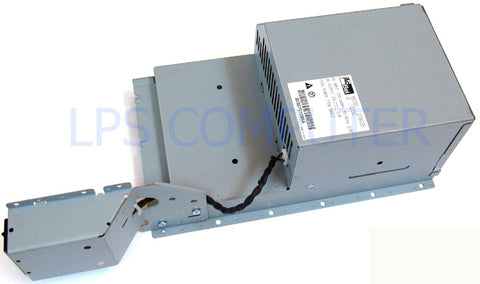
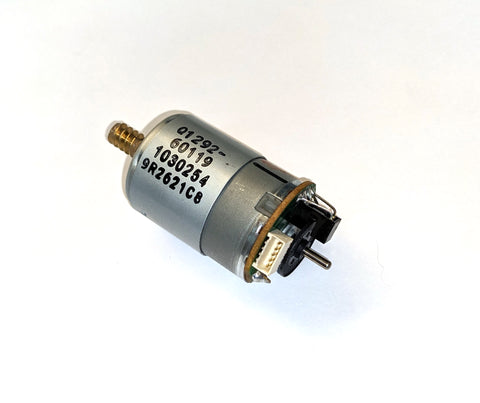
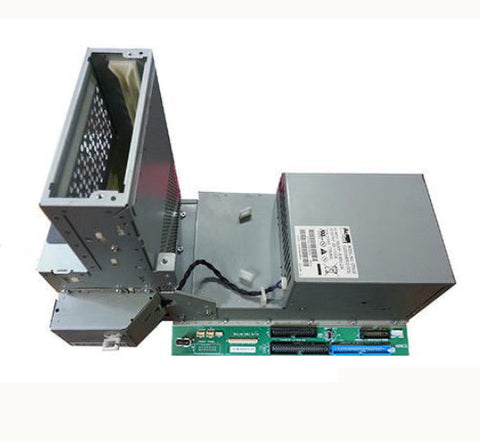
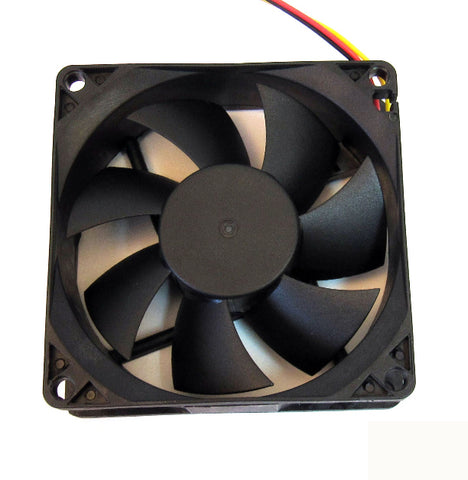
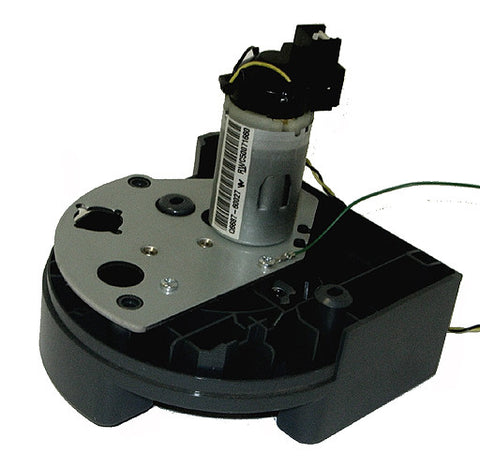
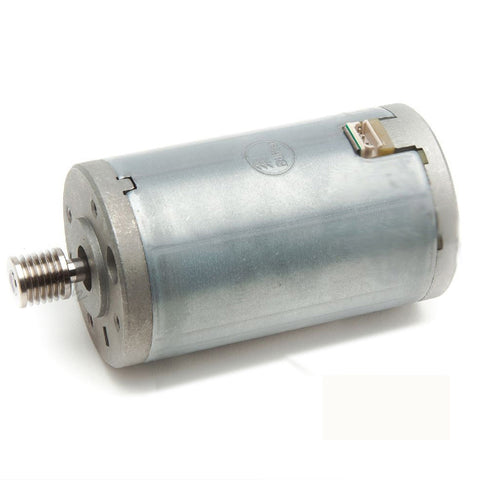
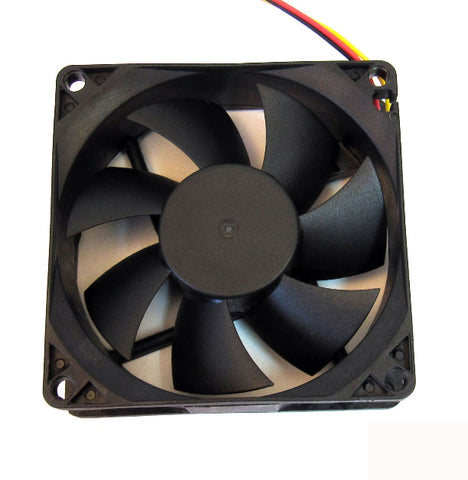
- Power supplies, scan axis motors, and cooling fans
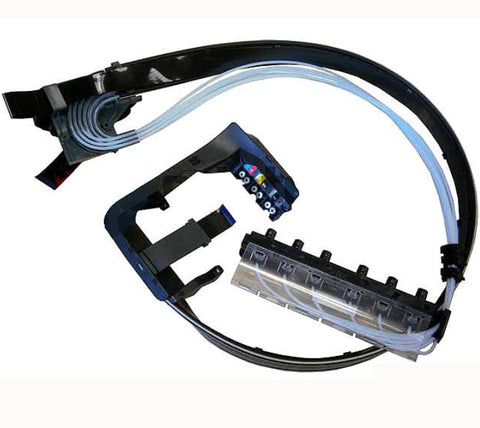
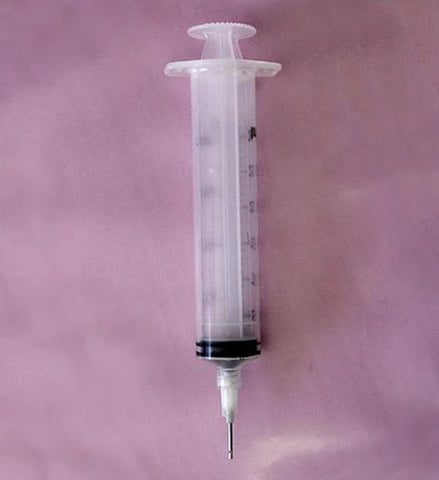
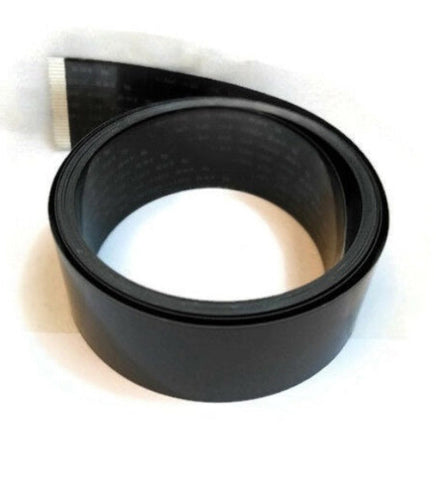
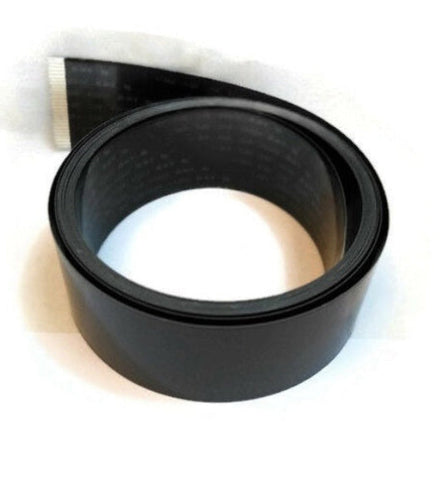
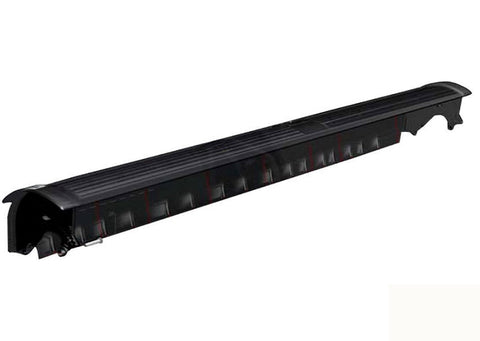
- Ink tube systems, trailing cables, and cutters
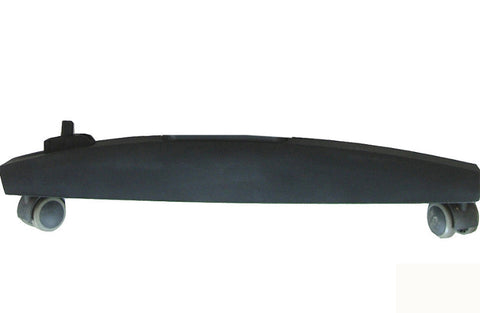
- Floor stands, spindle holders, and starwheel motors
We also carry partially-used OEM HP 745 ink cartridges as an affordable alternative to brand-new HP DesignJet Z2600 ink cartridges and Z5600 supplies.
Troubleshooting Your HP DesignJet Z2600 or Z5600
Before ordering a part, take a minute to diagnose the issue. Most Z-series problems trace back to a handful of usual suspects:
- Print quality issues: Usually printheads, seals, or service station components
- Carriage errors (86:01, 86:11): Often, a worn carriage belt or scan axis motor
- Ink system errors (21:xx, 81:xx): Typically, ink tubes, ISS, or service station
- Paper jams and cutter errors: Check the cutter, starwheels, and pinch rollers
- System errors and freezing: Often, the formatter, HDD, or main board PCA
For step-by-step diagnostics, reference the HP DesignJet Z2600 service manual or our error code guide linked above. If you're still stuck, our team has decades of hands-on DesignJet experience, and we're happy to talk it through.
Frequently Asked Questions
How do I know if I need to replace the Z2600 service station?
If you're seeing ink overflow, print streaks, repeated maintenance prompts, or error codes related to the service cycle, it's likely time to replace the service station.
Are your Z5600 belt kits compatible with all Z5600 models?
Yes. Our 44" Z5600 belt kits are fully compatible with all HP DesignJet Z5600 printers, and we provide installation guidance if you need it.
Where can I find the HP DesignJet Z2600 driver?
The latest HP DesignJet Z2600 driver is available directly from HP's support site. If you're having trouble with installation or printer communication after a repair, give us a call. We can help troubleshoot.
Do you sell new HP DesignJet Z2600 ink cartridges?
We carry partially-used OEM HP 745 ink cartridges (a minimum of 55% full) as a budget-friendly alternative. For brand-new cartridges, we recommend buying directly from HP or an authorized supplies dealer.
Can you help me identify the right part for my printer?
Absolutely. Email or call us with your printer's serial number and a description of the issue—we'll help you pinpoint the exact part you need.
Shop HP DesignJet Z2600 & Z5600 Parts
Find the Z5600 and Z2600 repair parts you need here and see how easy (and affordable) it is to fix your plotter rather than replace it. Still not sure what you need? Give us a call—we're here to help!