
Tech Help — Designjet 500 800 Technical Help
HP Designjet 500 and Designjet 800 Error Codes
Posted by Tim Wert on
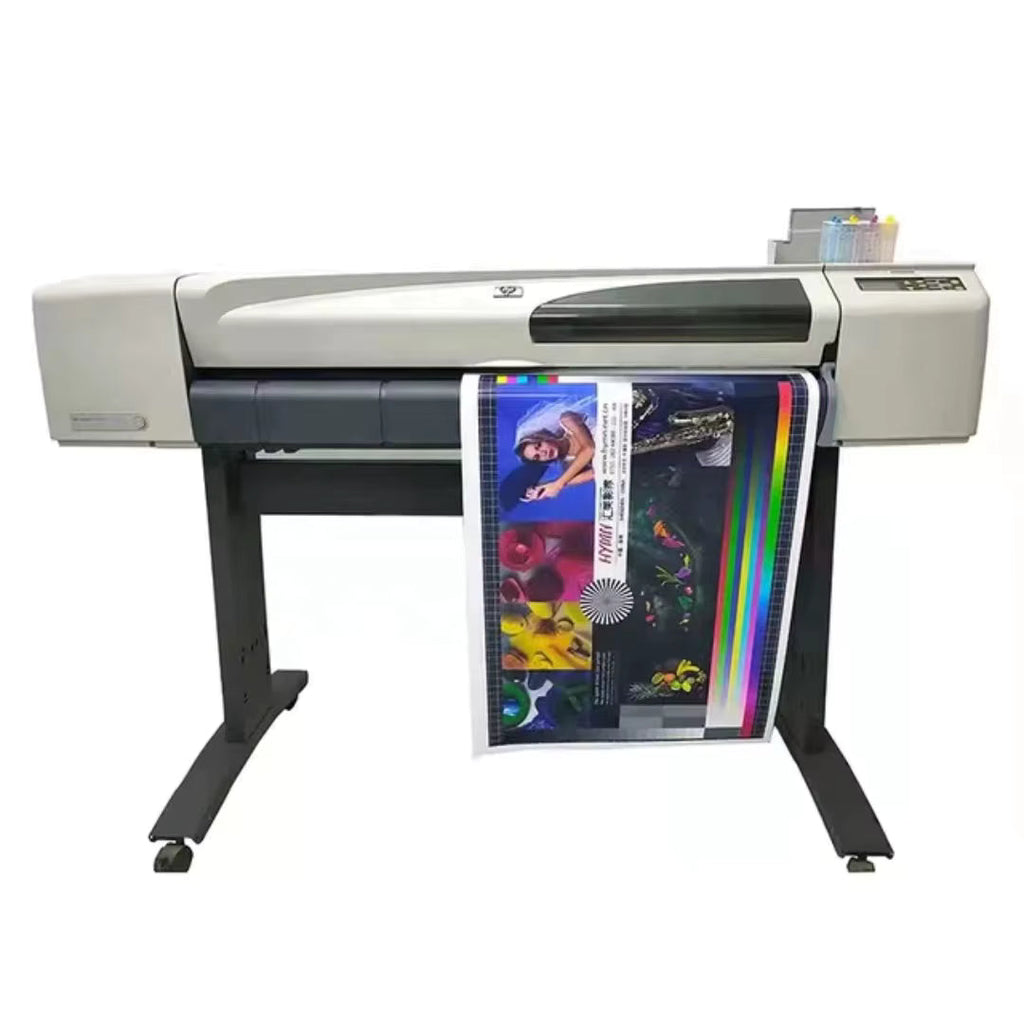
Code: 01:10 Description:Electronics Module failure.The possible cause could be: 1. The Electronics Module is of the wrong type (a 16 MB Electronics Module will not work in a 24" Model). 2. Reading, writing or initializing the EEROM failed. 3. One of the ASIC’s was not found within the Serial Bus that connects the Electronics Module to the Carriage Assembly. 4. One of the ASIC’s did not respond to the Serial Bus that connects the Electronics Module to the Carriage Assembly. 5. The Electronics Module is requesting a move to the Service Station while the previous move is still being completed. 6....
HP Designjet 500, Designjet 800 Incompatible with Windows 11?
Posted by Tim Wert on
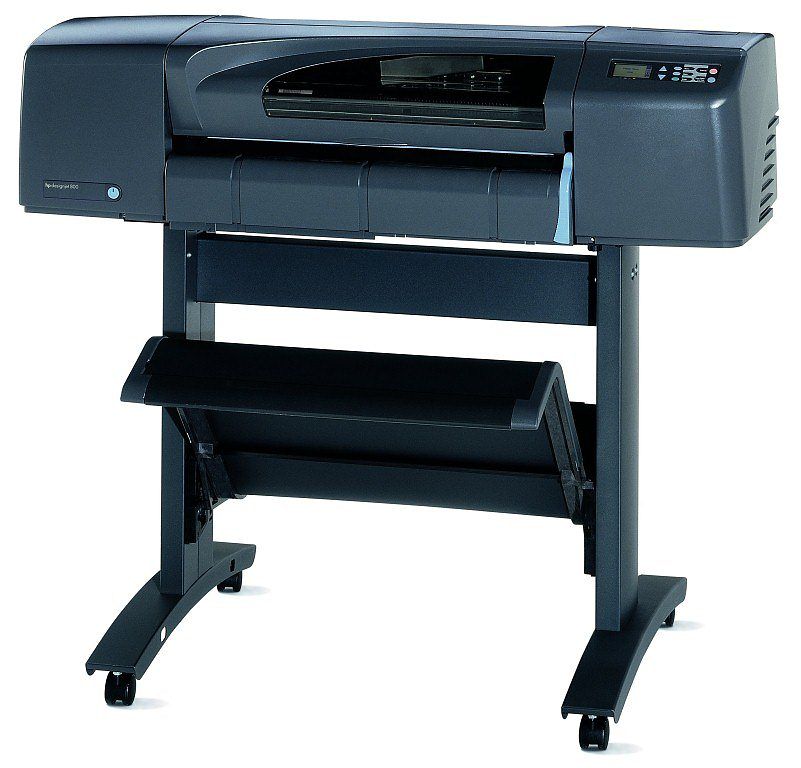
The Short Answer: There Is a Workaround If your HP Designjet 500 or HP Designjet 800 has stopped communicating with your Windows 11 computer, you are not alone. This is one of the most common questions we receive at LPS Computer, and the good news is that there is a solution. Neither HP nor Microsoft officially supports these legacy plotters under Windows 11, but with the right driver approach, you can get your printer talking to your PC again. Here is what you need to know about Designjet 500 Windows compatibility and getting your plotter back online. Why the HP...
Reseat Print Head over and over
Posted by Bob Wert on
"I have had this printer for a long while but didn't use it for a while. I had to replace the ink assembly because it had air in the tubes. I replaced all the print head and am having issues with the cyan head. The first new head kept saying reseat so I had them ship me a new one. It worked fine then started spitting out blue ink all over the paper. I reset the printer and now it keep saying to reseat that print head over and over. If I put the old print head that has run...
- 2 comments
- Tags: Designjet 1050C 1055CM Technical Help, Designjet 500 800 Technical Help, Designjet 5000 5500 Technical Help
Designjet 500 does not power up
Posted by Bob Wert on
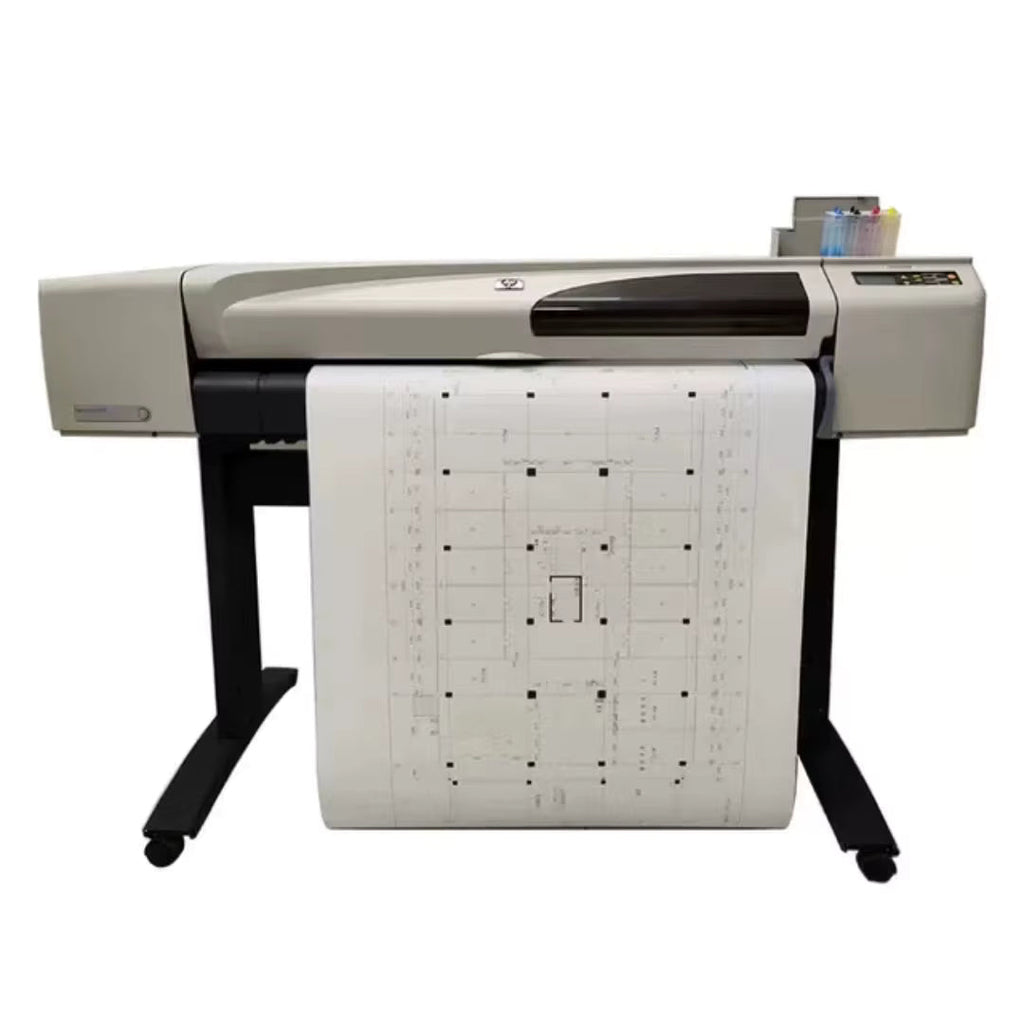
Using the Power Switch LED to Troubleshoot In certain circumstances the LED located in the power switch can help to troubleshoot the Printer. The LED can be OFF, ON or flashing and using different combinations can indicate different problems. NOTE: You should only use the LED to troubleshoot when the Printer does not Power up completely. The LED may flash in other circumstances which are completely normal and this does not mean that there is a problem with the Printer. LED is OFF - This indicates that the Power Supply Unit is completely dead. Try the following: 1. Check that power cord is connected correctly to the...
Designjet 500 constant print head alignment
Posted by Bob Wert on
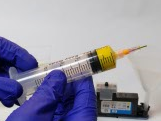
"Recently we changed the belt on a hp 500 designjet and although the belt was installed correctly using as a guide your video, the plotter keeps trying align the print heads in a loop cycle. we've tried everything. we read on a forum that the carriage has two bushes that if installed upside down could cause this but we didn't see any bushes on the carriage. any thoughts? Thanks in advance." The print heads were removed for the belt replacement and probably dried up. Try removing the print heads blast them at short range with Windex 5-10 times and then...