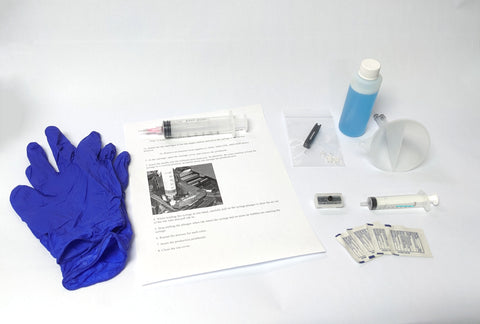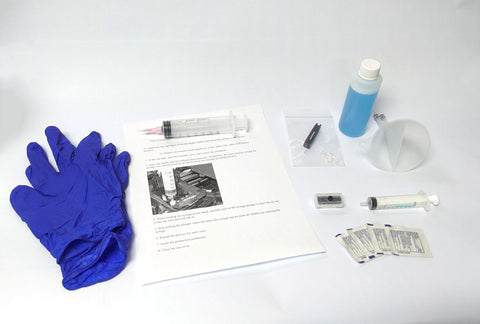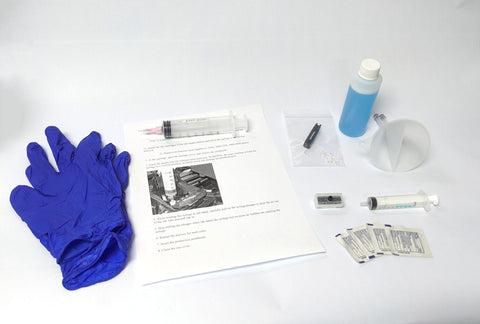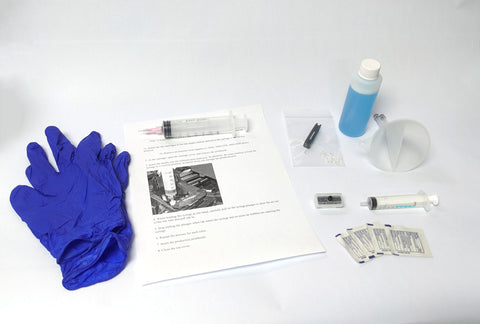

HP Designjet T790, T795, T1300, T2300 44" Carriage Belt Kit CH538-67018
- ✓ Same-day shipping from the USA
- ✓ Free technical support
- ✓ Veteran-owned US company
Part number: CH538-67018
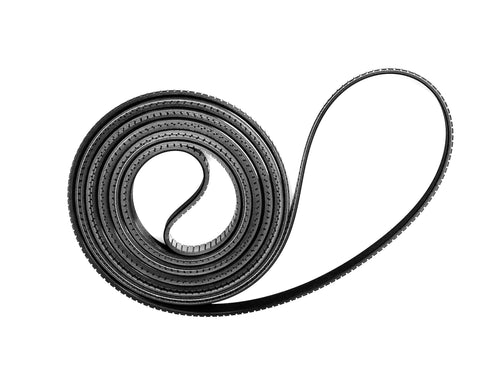
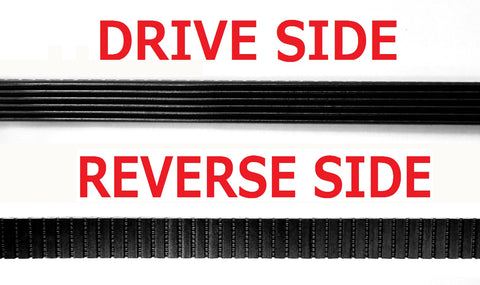
44-inch Designjet T790 / T795 / T1300 / T2300 complete carriage belt replacement kit with everything you need to do the job right. Illustrated, step-by-step instructions take you from cover removal to a fully calibrated printer, and the specialty tools can be used for future repairs. LPS brand belts are made in the USA from DuPont Kevlar-reinforced, high-density polyurethane. They are precision manufactured and self-lubricating for the best image quality.
At a glance
- Condition: New, LPS brand
- Warranty: Lifetime warranty on the belt
Fits
- HP Designjet T790 44-inch
- HP Designjet T795 44-inch
- HP Designjet T1300 44-inch
- HP Designjet T2300 44-inch
Symptoms this fixes
Common signs that the belt needs replacing:
- System error 86:01 (a worn belt is the main cause on every Designjet)
Options
- Service manual on compact disc
- Service manual on USB drive (small extra charge)
What's included
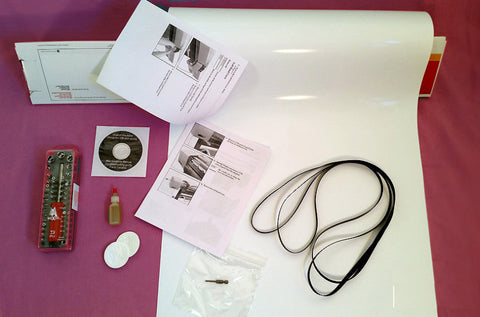
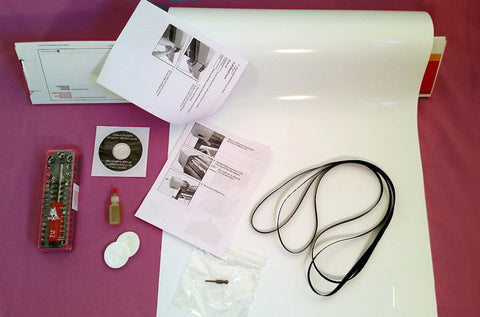
- LPS carriage belt
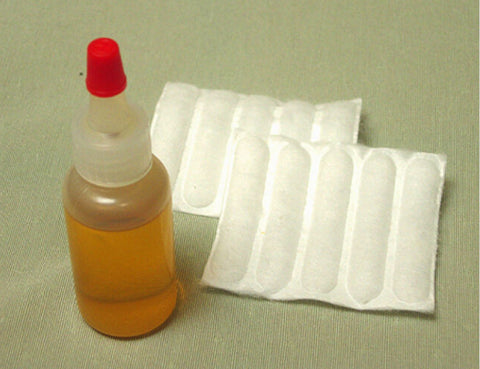
- Non-evaporating synthetic oil for the carriage rails
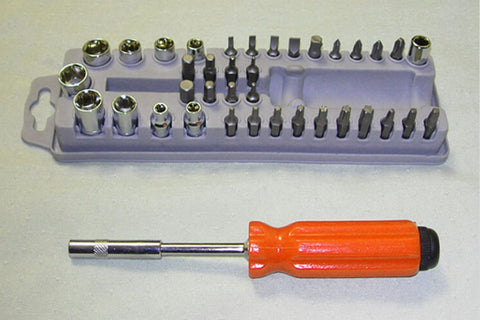
- 39-piece specialty tool kit
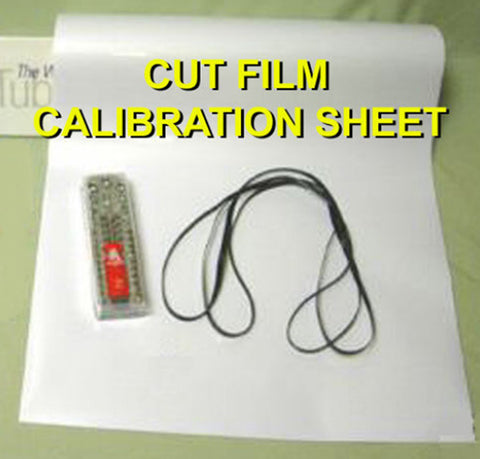
- Photo gloss film required by HP for the calibration
- Illustrated belt replacement and calibration directions
- Complete service manual with removal and installation steps, parts list and error codes (CD or USB drive, your choice)
- Carriage repair clip
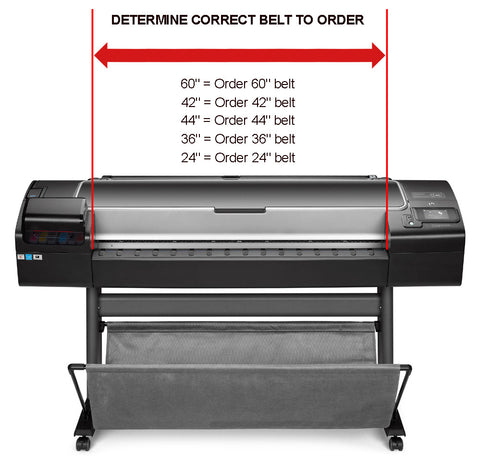
Note: Choose the belt by the maximum print width of your printer. The belt itself is longer than the print width, so a 24-inch printer uses the "24-inch" belt even though the belt measures more than 24 inches.
Note: When you replace the belt, or remove the carriage for any reason, be careful not to damage the plastic belt-retention posts on the carriage. If a post breaks, the carriage repair clip fixes it without replacing the carriage.
Video and step-by-step guide
Installation
With average mechanical skills you can replace the belt and calibrate the printer in 1 to 3 hours. Allow 2 to 4 hours the first time through.
The replacement procedure can be found in the "removal and installation" section of the service manual: HP Designjet T790 / T1300 / T2300 service manual.
Returns
30-day return window. See our returns policy for details.
We Also Recommend