Auxiliary Printhead Seals and Purger Kit for Designjet T and Z Model Printers
- ✓ Same-day shipping from the USA
- ✓ Free technical support
- ✓ Veteran-owned US company
Part number: S607460
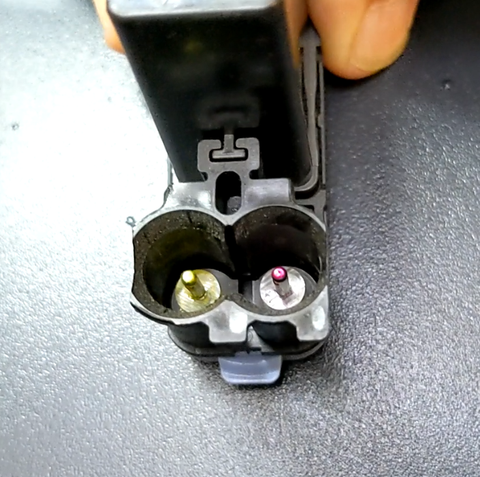
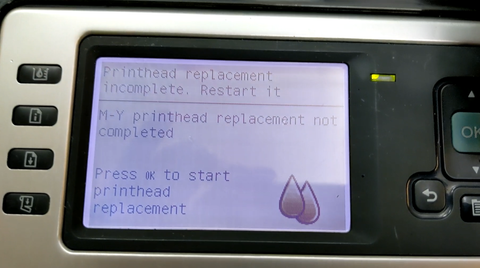
LPS auxiliary printhead seals and purger kit for HP Designjet T- and Z-series printers. Fixes the "Printhead replacement incomplete. Restart it." loop on T- and Z-series printers. The usual cause is ink starvation: worn seals at the ink tube system printhead ports let air in, the printhead cannot fire through the drop detector, and the printer will not finish print system setup, even with good printheads.
At a glance
- Condition: New
- Warranty: 12 months
Fits
- HP Designjet T610
- HP Designjet T620
- HP Designjet T770
- HP Designjet T790
- HP Designjet T795
- HP Designjet T1100
- HP Designjet T1120
- HP Designjet T1200
- HP Designjet T1300
- HP Designjet T2300
- HP Designjet Z2100
- HP Designjet Z3100
- HP Designjet Z3200
- HP Designjet Z5200
- HP Designjet Z5400
- HP Designjet Z2600
- HP Designjet Z5600
- HP Designjet Z6
- HP Designjet Z9+
Need help diagnosing?
Not sure if your symptom is caused by this part? Contact our technical support experts at sales@lpscomputer.com or call 760 749 1580.
What's included
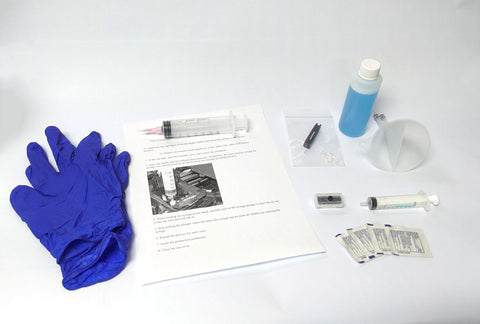
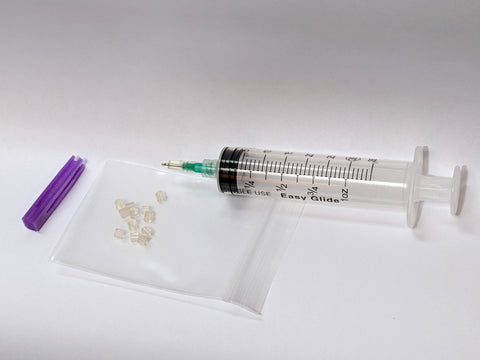
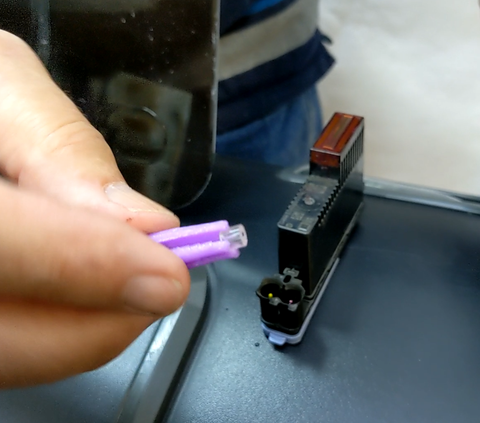
- Upgraded purge tool with depth limiter
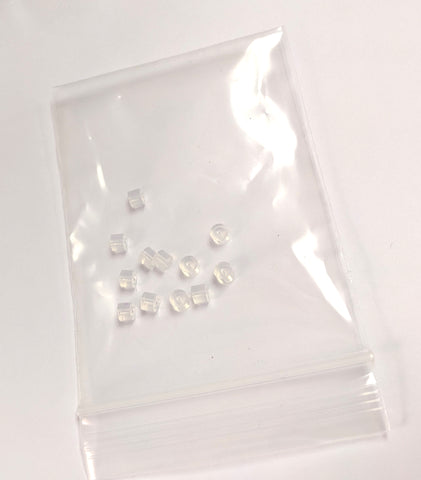
- 12 custom printhead seals for all HP 70, 72 and 73 printheads
- Seal installation tool
How it works
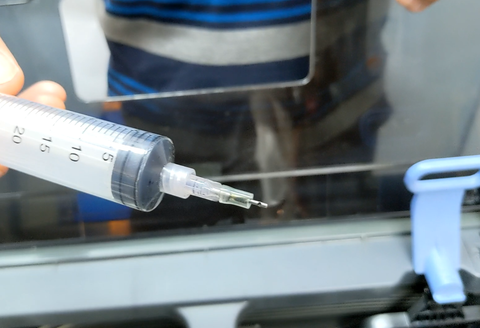
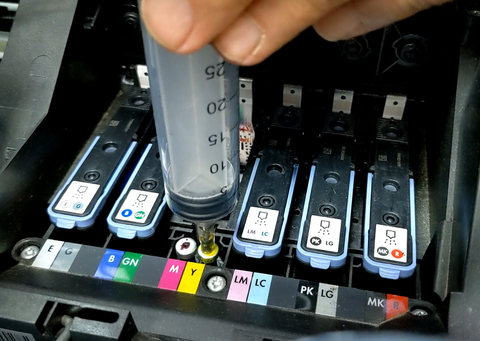
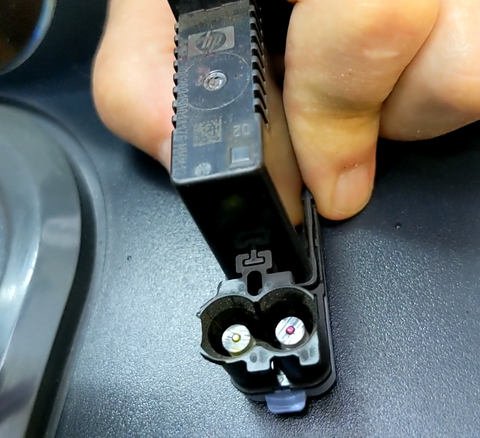
- Remove the printheads, insert the purge tool into each port and draw out ink and air bubbles. The tool is reusable.
- Use the installation tool to fit the upgrade seals onto the printhead needles.
- Reinstall the printheads and let the printer finish "Preparing print system" and the printhead alignment.
Before you start
- A printhead that has been starved of ink for a long time may have burned out by firing air instead of ink. New seals will not bring it back.
- Even after a short starvation, the ink bladder inside the printhead can collapse too far to refill, leaving the printhead permanently starved.
- A poor electrical connection between printhead and carriage can look like a failed printhead. Clean the printhead contacts and the carriage contacts until neither feels tacky.
- If the drop detector is covered in ink overspray, the printer will not finish print system setup even with perfect printheads. Clean the sensor.
Returns
30-day return window. See our returns policy for details.
We Also Recommend