


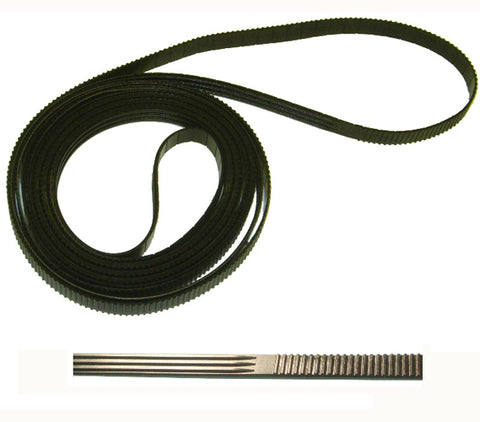
HP Designjet Z2100, Z3100, Z3200 Belt Kit 24" Q5669-60673
- ✓ Same-day shipping from the USA
- ✓ Free technical support
- ✓ Veteran-owned US company
Part number: Q5669-60673
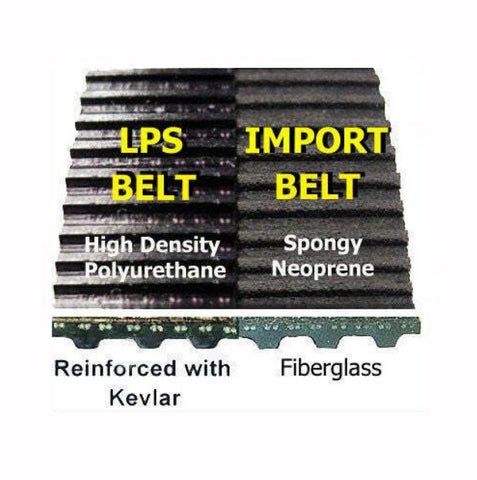
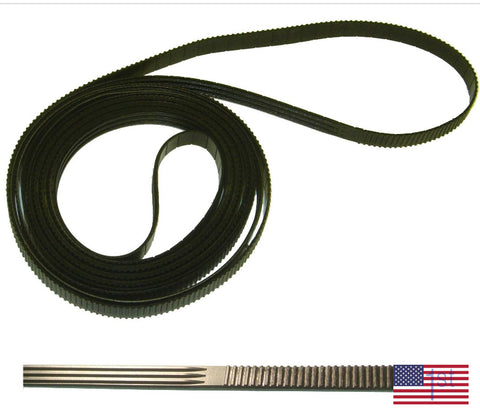
24-inch Designjet Z2100 / Z3100 / Z3200 complete carriage belt replacement kit with everything you need to do the job right. Illustrated, step-by-step instructions take you from cover removal to a fully calibrated printer, and the specialty tools can be used for future repairs. LPS brand belts are made in the USA from DuPont Kevlar-reinforced, high-density polyurethane. They are precision manufactured and self-lubricating for the best image quality.
At a glance
- Condition: New, LPS brand
- Warranty: Lifetime warranty on the belt
Fits
- HP Designjet Z2100 24-inch (Q6675A, Rev C Q6675C, Rev D Q6675D)
- HP Designjet Z3100 24-inch (Q5669A)
- HP Designjet Z3100ps 24-inch (Q5670A)
- HP Designjet Z3200 24-inch (Q6718A, Rev B Q6718B)
- HP Designjet Z3200ps 24-inch (Q6720A, Rev B Q6720B)
Symptoms this fixes
Common signs that the belt needs replacing:
- System error 86:01 (a worn belt is the main cause on every Designjet)
Options
- Service manual on compact disc
- Service manual on USB drive (small extra charge)
What's included
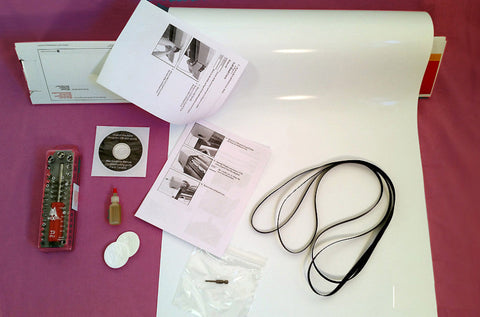
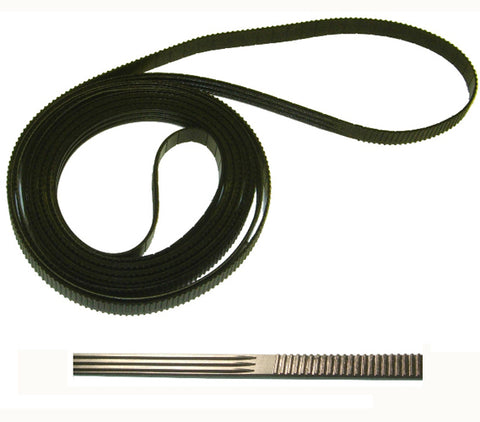
- LPS carriage belt
- Non-evaporating synthetic oil for the carriage rails
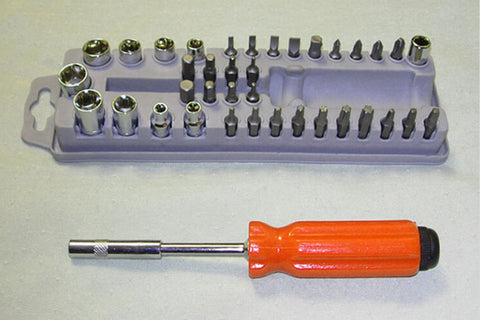
- 39-piece specialty tool kit
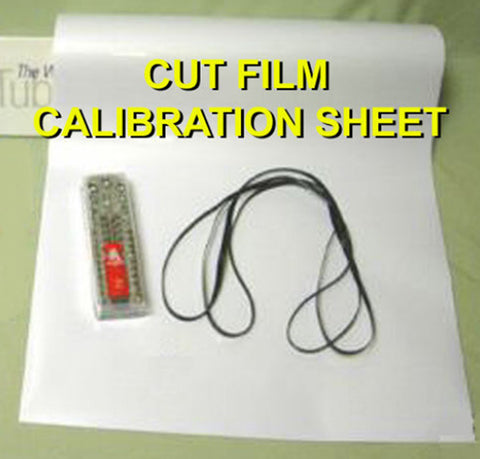
- Photo gloss film required by HP for the calibration
- Illustrated belt replacement and calibration directions
- Complete service manual with removal and installation steps, parts list and error codes (CD or USB drive, your choice)
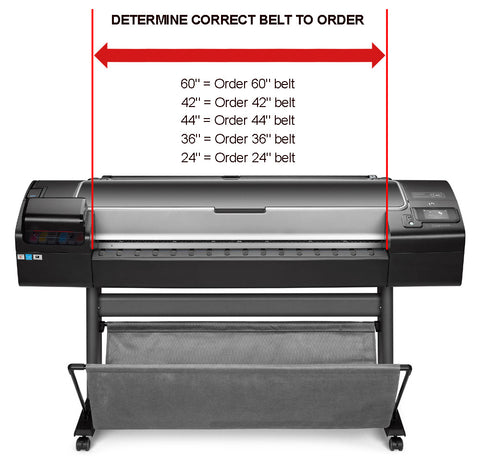
Note: Choose the belt by the maximum print width of your printer. The belt itself is longer than the print width, so a 24-inch printer uses the "24-inch" belt even though the belt measures more than 24 inches.
Video and step-by-step guide
- Designjet T610 / T1100 / Z2100 / Z3100 belt replacement guide
- Designjet Z2100 / Z3100 belt replacement video
Installation
With average mechanical skills you can replace the belt and calibrate the printer in 1 to 3 hours. Allow 2 to 4 hours the first time through.
The replacement procedure can be found in the "removal and installation" section of the service manual: HP Designjet Z2100 / Z3100 / Z3200 service manual.
Returns
30-day return window. See our returns policy for details.
We Also Recommend


Customer Reviews
As described, great quality.
I received the kit from LPS. I will admit the tools and everything they provided are top notch. I am very satisfied with all they have provided. The problem I am encountering is after installing the belt, moving the carriage manually, the belt will slip off the pulley. So the problem is either the belt, not enough grip, rubber or traction, to hold on to the pulley, or the pulley is worn, not enough grip or traction to keep the belt on the pulley.
We are going to discard this plotter and purchase a new plotter.
Thanks LPS.
Kelvin.
Hi Kelvin,
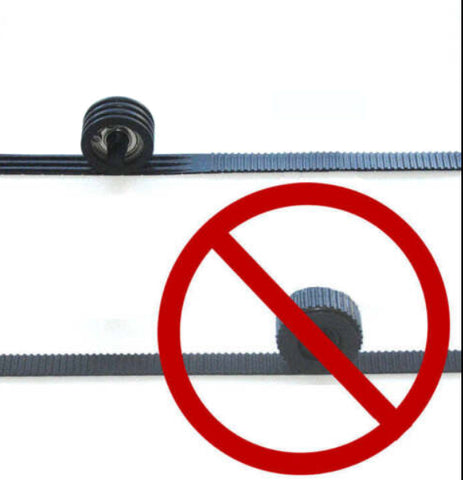
Assuming the OEM pulley is installed, please make sure the ribbed side of the belt is meshed with the tensioner pulley, and that the toothed side of the belt is meshed with the teeth on the brass motor cog.
Best,
Tim
After a few hours of work, I managed to replace the belt of my HP Z3100 with the help of the very useful video.
My HP Designjet Z3100 had been stopped for about ten years because of this damn belt that I never took the time to replace properly... Now, it works again.
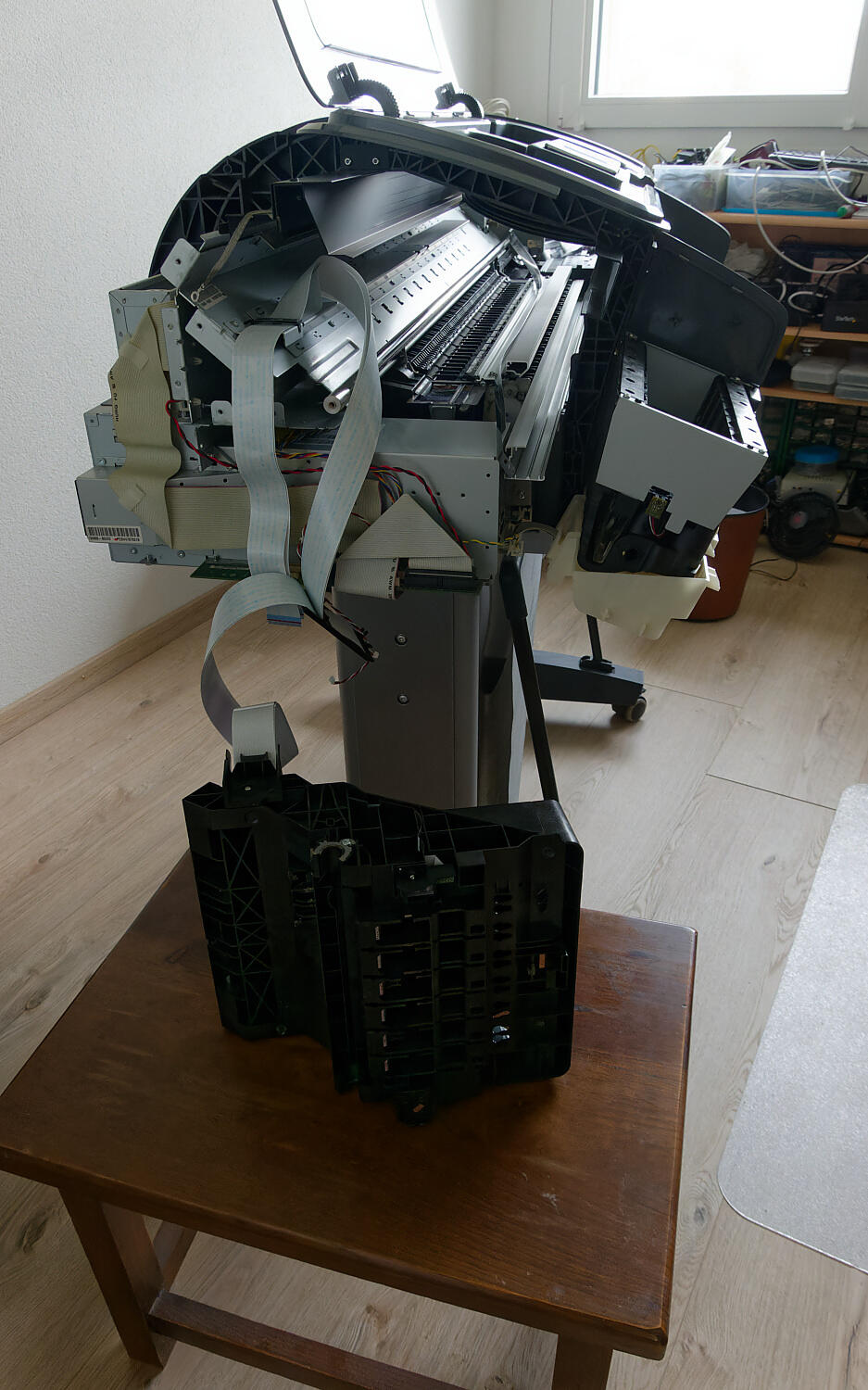
Their belt replacement and video worked!
Kit arrived quickly as ordered. We followed Mr. Wert’s video tutorial via YouTube, which got us to the point of successfully installing the new belt. The next step led to deadlock: After securing the trailing cable clip (as shown in the video), I was only able to slide the carriage partway before it ran out of cable. From there, we were stuck. Mr. Wert’s video did not address how to deal with trailing cable issues. The included printed instruction booklet was incomplete. It included snippets of a variety of installations unrelated to installing the drive belt. For future reference, it might be useful to include a detailed printed schematic of the trailing cable routing path. To its credit, the company included the complete Maintenance Manual on the accompanying CD, which helped us through the rest of the process.