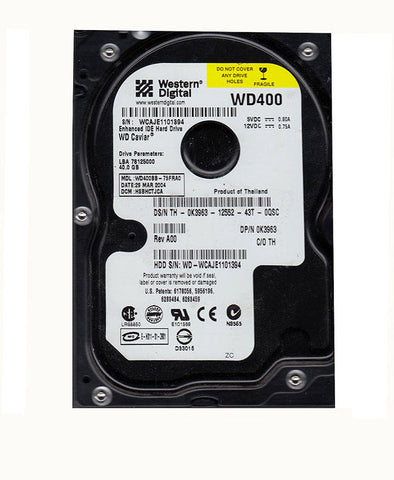
Designjet 5500PS Hard Disk Drive HDD Q1252-60004, Q1252-69045, Q1252-60007
- ✓ Same-day shipping from the USA
- ✓ Free technical support
- ✓ Veteran-owned US company
Part number: Q1252-69045 (hard disk only; also Q1252-60004, Q1252-60007)
40GB hard disk drive, formatted and preloaded with HP PostScript software, for the HP Designjet 5500PS. It boots and runs the printer, stores its settings and allows queuing and nesting.
At a glance
- Condition: Preloaded with HP PostScript software, version 05.00.51
- Warranty: Lifetime warranty (replace or refund)
Fits
- HP Designjet 5500PS
Symptoms this fixes
System errors related to the hard disk drive:
- Error 1f500XX boot fail (can also be caused by a failing power supply unit)
Note: This software version must be used with a version 05.nn.nn boot ROM (the most common version). The boot ROM is not included.
Replacing the drive takes 10 minutes at most. Remove the 6 T-10 screws holding the rectangular cover on the back of the printer. Take the drive out of its foam frame, unplug both connectors, fit the new drive and close the panel.
Installation
The replacement procedure is in section 8-70 of the HP Designjet 5000 / 5500 service manual.
Returns
30-day return window. See our returns policy for details.
We Also Recommend