Designjet Roll Cover Sensor Lever (Fix for "Close Roll Cover 2" and "Close Roll Cover 1" messages)
A broken roll cover is an extremely common (and annoying) problem. Save the cost of replacing the entire roll cover, and install this simple fix: the roll cover sensor lever.
When the machine asks you to "open roll cover 2," simply push the lever to the "open" position. Then when the machine has loaded the paper, and asks you "close roll cover 2," move the lever to the "closed" position. It's as simple as that.
The lever fits both the upper roll hinge (roll 1) and the lower roll hinge (roll 2). Simply remove the broken roll cover, and reuse the hinge screw to install this lever instead.
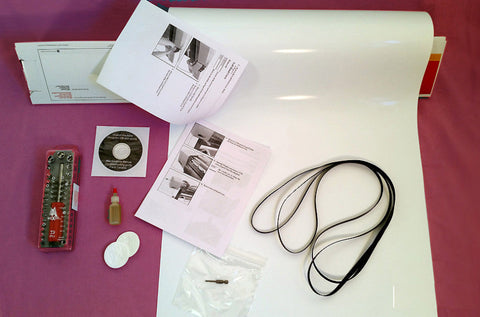
INCLUDES TORX TOOL required for the procedure.
-Condition: Brand New
-Warranty: 12 Months
-Made in USA
-Toll-free tech support available. Call 760 749 1580
This is a fix for these plotters:
HP Designjet Z6, Z9+ 44" Upper Roll (#1) Cover with Pinch Rollers T8W18-67002
HP Designjet Z6, Z9+ upper roll cover without pinch rollers (#1) 44" T8W16-67001
HP Designjet Z6, Z9+ 44" Lower Roll (#2) Cover with Pinch Rollers T8W18-67001
HP Designjet T1200, T1300, T2300, Z5400, Z5600 44" Lower Roll (#2) Cover with Pinch Rollers CH538-67002
HP Designjet T1200, T1300, T2300 Z5400 44" Upper Roll (#1) Cover CH538-67003
HP Designjet T770, T790 44" Basic Roll Cover (no pinch rollers) CH539-67009
HP Designjet T770, T790 24" Media Roll Cover CQ305-60018
We Also Recommend