Auxiliary Printhead Seals and Purger Kit for Designjet T and Z Model Printers
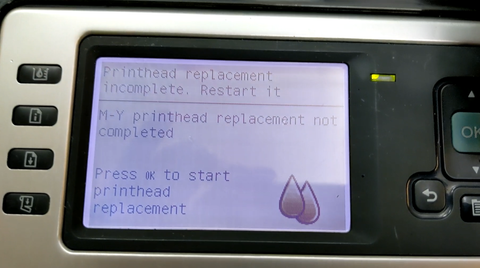
If your printer is plagued with the message "printhead replacement incomplete. Restart it." then this is the kit for you.
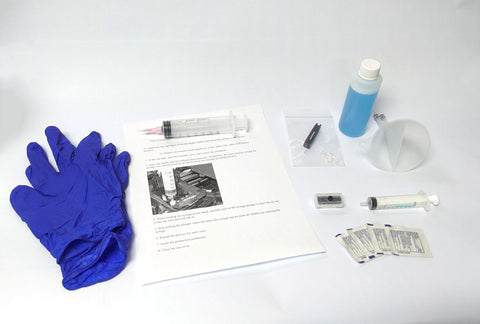
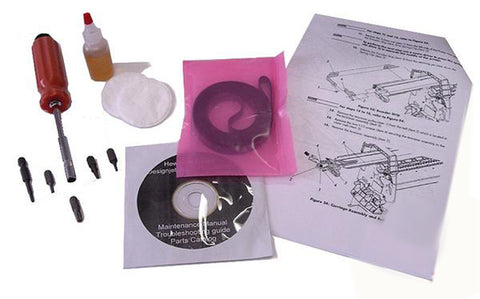
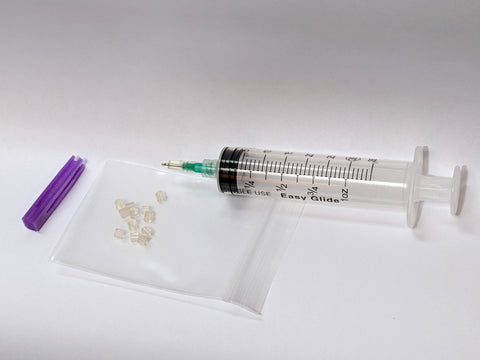
Includes:
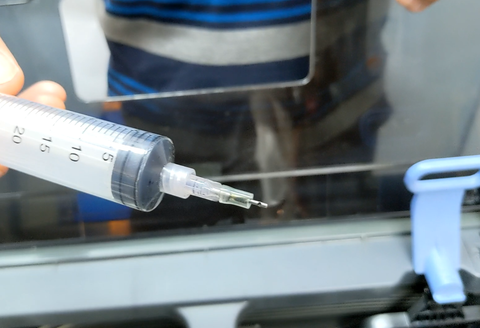
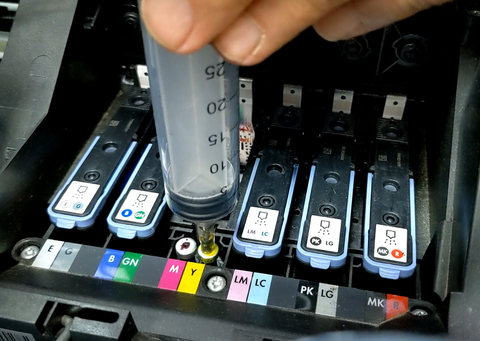
-Upgraded purge tool with depth-limiter
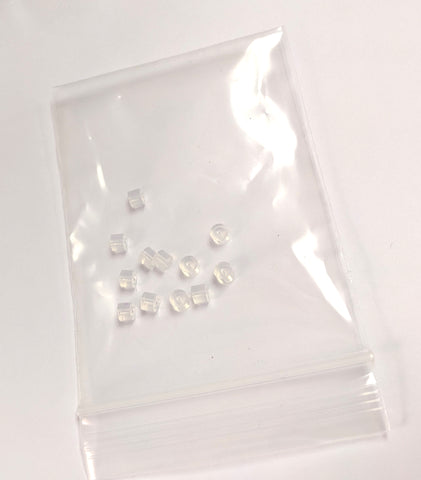
-12 custom printhead seals compatible with all HP 70, HP 72 and HP 73 printheads
-Seal installation tool
If you own a T or Z printer, you've almost certainly seen this message: Printhead replacement incomplete. Restart it. And you can't print anything, because the printer isn't happy. This kit will save you hundreds of dollars on replacement printheads and ink cartridges.
*Ink starvation of the printhead caused by poor seal at printhead port*
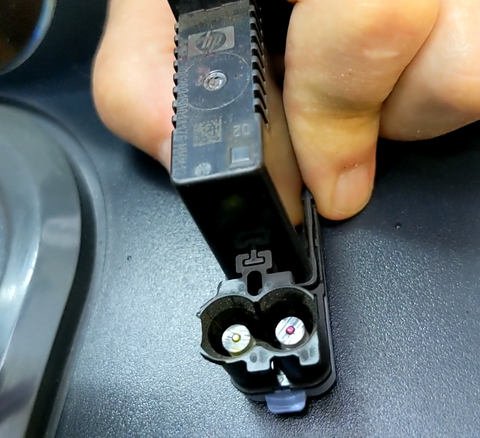
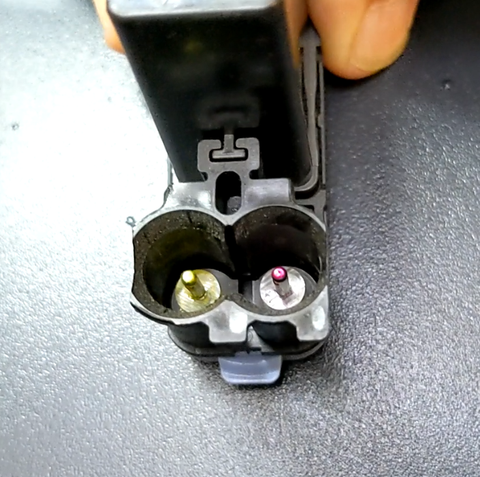
This is the main reason you see the "printhead replacement incomplete" message. Here's what happens: The printhead is starved for ink, fails to put ink through the drop detector -> results in failure to complete print system setup, and the printer returns the "printhead replacement incomplete" message. You've probably endured the long, annoying process of getting the printer to accept printheads. Printheads which may be perfectly good, but due to worn seals on the ink tube system, the printer cannot accept the printheads. The seals in this kit solve that problem, permanently.
Next step:
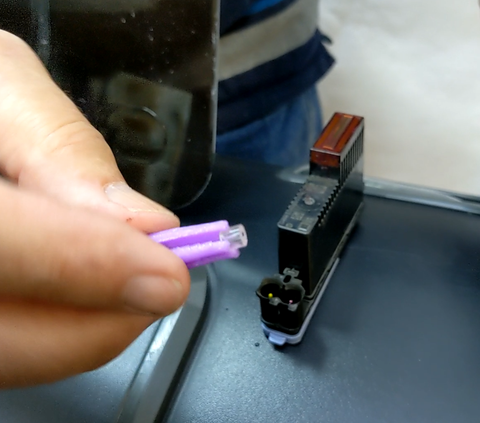
Use the purple tweezer tool to install the printhead upgrade seals onto the printhead needles. Re-install printheads into the printer, and allow the printer to complete "preparing print system."
Once the printer has run printhead alignment calibration, the printer will be ready to go to work!
A few considerations:
-If a printhead has been starved of ink for a long time, it may have burned itself out by printing with air instead of ink. If this is the case, that printhead will not recover with the installation of new seals.
-Even if a printhead has been starved for only a short period, if the internal ink diaphragm has deflated too much, it will sometimes not allow ink to re-inflate it, and the printhead will remain permanently starved.
-Sometimes the electrical connection between the printhead and the carriage is poor. Make sure to clean off the printhead contacts as well as the contacts on the carriage. If either of those surfaces feels tacky, you've still got cleaning to do.
-If the drop detector sensor is obscured by ink overspray, it will not properly detect the ink droplets, and the printer will not complete print system setup even if the printheads are working with perfect quality. The sensor may require cleaning.
Compatible printers:
- HP Designjet T610
- HP Designjet T1100
- HP Designjet T770
- HP Designjet T1200
- HP Designjet T1120
- HP Designjet T620
- HP Designjet T790
- HP Designjet T795
- HP Designjet T1300
- HP Designjet T2300
- HP Designjet Z2100
- HP Designjet Z5200
- HP Designjet Z3100
- HP Designjet Z3200
- HP Designjet Z5400
- HP Designjet Z2600
- HP Designjet Z5600
- HP Designjet Z6
- HP Designjet Z9
We Also Recommend